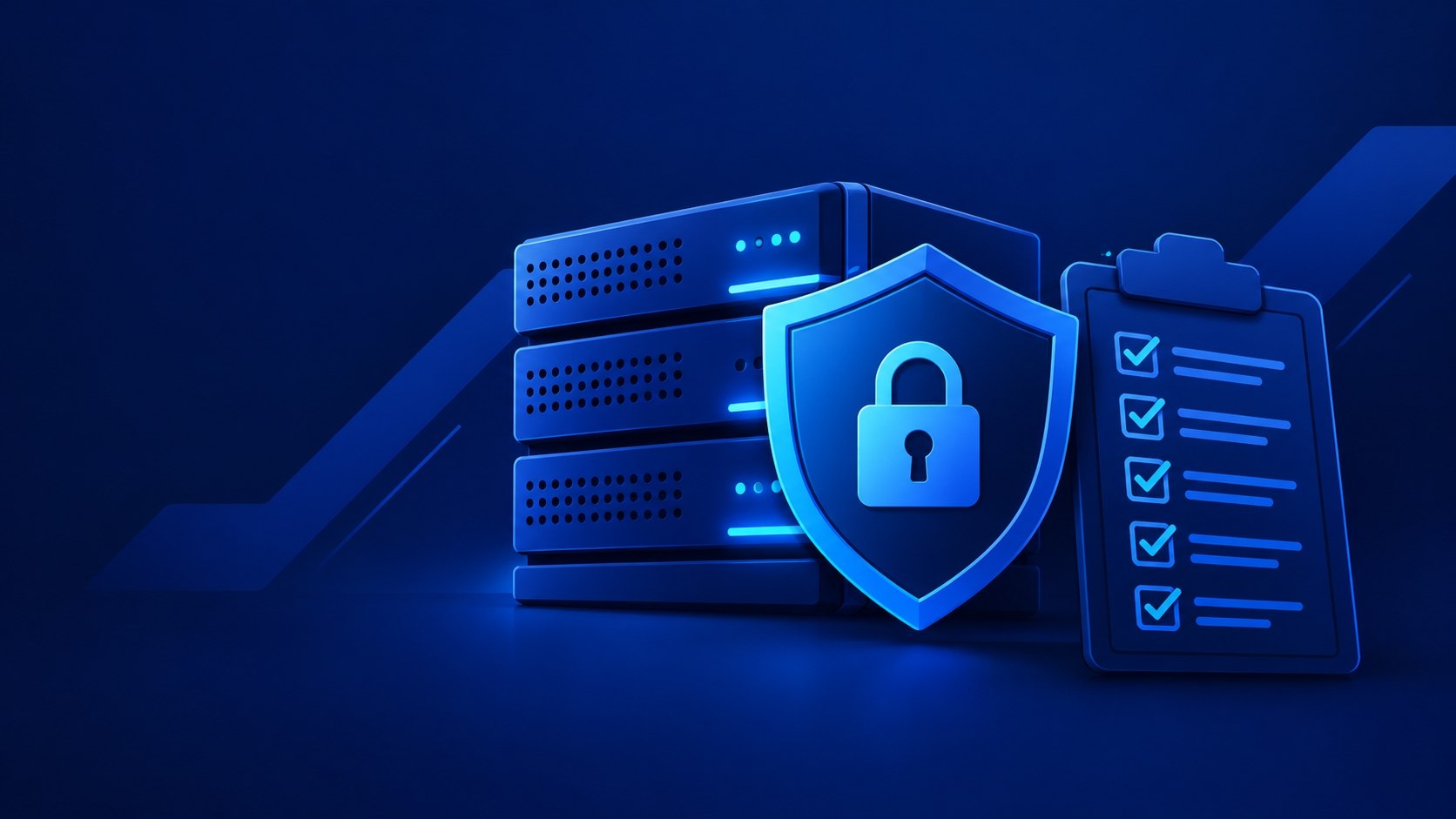
Choosing a hosting provider is no small decision. Site owners often underestimate how many criteria actually matter, settling for a bare minimum checklist. A thorough hosting security review covers at least 10 criteria.
These include: HTTPS and SSL, customer isolation, backups, DDoS protection, network firewall, software updates, two-factor authentication, logging, monitoring, and incident support. One strong feature doesn't make up for weaknesses elsewhere: even a state-of-the-art SSL certificate won't save your site if backups are missing or the control panel is protected by a weak password.
When picking a reliable host, look beyond server specs and plan pricing — consider what happens when a client makes a mistake, an attack occurs, or a site gets compromised.
SSL certificate and HTTPS support
The first thing worth checking is the SSL certificate. Reviewing certificate and HTTPS support tells you whether the hosting provider you're considering lets you use HTTPS and obtain an SSL/TLS certificate without unnecessary hassle. In most cases, a domain-validated (DV) certificate is enough. Let's Encrypt issues free DV certificates and supports automatic issuance and renewal via ACME.
When choosing a provider, check:
whether you can get SSL for free;
whether automatic renewal is supported;
whether you can quickly enable HTTPS for a new domain;
whether you have to contact support every time the certificate needs renewing.
Buying a pricier certificate doesn't automatically make a site maximally secure against attacks. The validation type of a certificate and the actual security level of a web application are two different things. At Leneex, you get free SSL — it's available right through the control panel. We also recommend checking out our article on what an SSL certificate actually is.
Resource isolation between sites
When multiple clients' sites live on the same server, it's important to understand how well they're isolated from one another. On shared hosting, you don't get a dedicated virtual machine. Security in this case largely depends on the hosting platform's architecture and account isolation mechanisms.
Before choosing a provider, be sure to ask:
are account file systems isolated from each other;
can one account access another account's files;
what limits apply to processes and system resources;
how the provider prevents a compromised account from affecting neighboring sites.
VPS solves this problem on a different level: the client gets a separate virtual environment with its own OS and settings. That said, the exact isolation guarantees depend on the provider's architecture and configuration, so it's best to check the documentation for a specific plan.
If your project needs full control over the environment, the firewall, and installed software, Leneex VPS may well be a better fit than shared hosting.
Regular backups and restore capability
Backup is the foundation of secure hosting. But the question isn't just whether a provider makes backups — it's whether those backups can actually restore your site.
When choosing a provider, check:
How often copies are created. Infrequent backups mean more potential data loss between two restore points.
How many versions are kept. A single copy won't protect you if that copy already contains corrupted or deleted data.
Where copies are stored. A backup living on the same infrastructure isn't equivalent to an independent copy.
Whether you can restore it yourself. Self-service restore lets you get a site back online faster.
Whether restores are actually tested. The existence of a backup file doesn't prove it can restore a working site.
CISA recommends keeping backups separate from your main infrastructure and regularly testing restore procedures. Protecting against ransomware requires copies the attacker can't reach, plus integrity checks on those copies. If a provider just says "we have daily backups," that's not enough. Ask how many copies are kept, exactly where, and how restoration works.
DDoS attack protection
A DDoS attack targets service availability: the attacker generates a huge flood of requests or other network traffic, trying to overwhelm the infrastructure.
When choosing a host, find out:
whether basic DDoS protection is included;
at what level it operates;
whether it's part of the regular plan;
whether it requires an add-on service;
what happens when abnormal traffic is detected.
Marketing phrases like "protection against DDoS attacks of any scale" are especially risky here. Protection effectiveness depends on network architecture, filtering, bandwidth, and attack type. Look for a specific description of the service rather than relying on promises without technical details.
Firewall and network security
A firewall determines which network connections are allowed and which are blocked. On a VPS, the administrator configures firewall rules themselves. On Linux, this is typically done with iptables, nftables, or tools like UFW.
The basic idea is simple: only the necessary ports are open, everything else is closed. A web server needs HTTP/HTTPS, and SSH access should be available for administration only. There's no reason to leave unused services exposed to the internet.
On shared hosting, the client doesn't manage the server's network firewall — that part of the infrastructure is controlled by the provider. So a VPS gives you more flexibility, but it also shifts part of the security responsibility onto the server owner.
Software updates, control panels, and vulnerabilities
Even a well-configured server becomes quite vulnerable if its software hasn't been updated in a long time.
Check:
who installs OS updates;
who's responsible for updating the control panel;
whether security updates can be installed automatically;
how the provider communicates critical vulnerabilities;
which share of updates falls on the client.
This matters a lot when moving from shared hosting to a VPS. On shared hosting, most of the server infrastructure is managed by the provider. On a VPS, the client gets more control, but along with it comes the responsibility to maintain the OS, web server, CMS, PHP, database, and installed applications. A VPS gives you more control tools, but that doesn't mean automatic security — the outcome largely depends on how correctly those tools are used.
Two-factor authentication in the control panel
An admin password is one of the most attractive targets for an attacker. Once obtained, it gives the attacker access not just to the site, but to the infrastructure that runs it.
Before choosing a host, check whether 2FA/MFA is available for:
the client account;
the hosting control panel;
administrative accounts;
other critical services, if such a feature exists.
Ideally, the second factor should be required not just for individual operations, but for logging into the administrative infrastructure itself. Keep in mind: having 2FA doesn't prove a high level of security, but its absence on a critical admin interface is a reason to ask more questions.
Logs and event records
Without logs, it's hard to understand what happened to a site after an incident.
It's useful to have access to at least:
web server logs;
error logs;
information about login attempts;
change history.
On a VPS, you can set up logging yourself, for example through journald and system logs. On shared hosting, the provider determines which logs are available and how long they're retained, so make sure to clarify this before purchasing.
Monitoring and alerts
Logs show what already happened, while monitoring helps you catch a problem in time. VPS offers broader options: an administrator can set up resource monitoring, fail2ban, anomaly detection, and notifications independently. On shared hosting, part of the monitoring is handled by the provider itself.
Before buying hosting, be sure to find out not just whether monitoring exists, but exactly what it tracks. For example, a notification about server downtime and detection of a suspicious login are completely different features.
Incident response policy and support
Hosting reliability isn't defined by the absence of incidents, but by how clearly the provider responds to them: there should be a clear procedure and a well-defined split of responsibilities. Even the most sophisticated infrastructure is set up by a human, and wherever there's a human, mistakes and vulnerabilities in the site itself are possible.
When renting a server, you need to understand what happens if:
your site gets hacked;
a suspicious process is discovered;
a password gets stolen;
files are accidentally deleted;
you need to restore the site from a backup;
the server stops responding.
Good support should at least clearly explain the boundaries of its responsibility: what the provider fixes on its own, and what the client has to handle. It's important to distinguish between an infrastructure issue and an application-level breach — these carry different levels of responsibility. If a WordPress plugin gets hacked, the provider isn't obligated to fix issues caused by a vulnerability in that specific plugin.
You should have a concrete action plan in case something goes wrong: restrict access, preserve logs, determine the scope of the compromise, close the vulnerability, and only then restore the system. For serious incidents, CISA also recommends having a response plan prepared in advance and testing it regularly.
Shared hosting vs. VPS by security criteria
It's easier to compare the key differences between the two models in a single table.
Criterion | Shared hosting | VPS |
Resource isolation | Clients' sites share the same server; security depends on the platform's architecture and account isolation | A separate virtual environment with its own OS; guarantees depend on the provider's architecture and configuration |
Firewall | The server's network firewall is managed by the provider | Rules are configured by the administrator (iptables, nftables, UFW) |
Updates | Most of the server infrastructure is maintained by the provider | The client is responsible for the OS, web server, CMS, PHP, database, and applications |
Logs and monitoring | The provider determines which logs are available; it also handles part of the monitoring | You can set up logging, resource monitoring, fail2ban, and notifications yourself |
Responsibility | Infrastructure security rests with the provider | More control, but also more responsibility for the administrator |
Quick checklist before buying hosting
No time to go through a provider's full documentation? Start with these questions:
Is free SSL/TLS with automatic renewal available?
How are client accounts isolated on shared hosting?
Are backups included?
Where are they stored, and how many versions are available?
Can you restore the site yourself?
Is DDoS protection included, and what exactly does it cover?
Can you configure a firewall on a VPS?
Who installs OS and panel updates?
Is two-factor authentication available?
Are logs and alerts available?
What does support do in case of a hack?
How quickly can the site be restored after an incident?
If several key questions don't have a clear answer, that alone is a reason for concern.
Bottom line
Hosting security isn't a single feature in a plan — it's a combination of the provider's infrastructure and the site owner's own actions. At minimum, before buying hosting, you should check HTTPS, isolation, backups, DDoS protection, network firewall, updates, 2FA, logs, monitoring, and incident support.
On shared hosting, infrastructure security rests on the provider's shoulders. A VPS gives you more control: you can manage the firewall, updates, services, and access policies yourself — but that comes with greater responsibility for the administrator. If your project already needs that level of control, consider Leneex VPS and choose a configuration that fits your needs. And free SSL shouldn't be seen as an optional checkbox feature, but as a basic part of a secure site connection.